

You open your laptop. You have 47 browser tabs, a research PDF buried somewhere in your downloads, three voice memos on your phone, and a Google Doc that somehow has “FINAL v3” in the title but still doesn’t feel finished. Sound familiar? If you’re a student, content creator, researcher, or professional, this is probably Tuesday. The way we gather, organize, and actually use information has become the biggest productivity bottleneck of our time — and AI note-taking tools promise to change that completely.
But here’s the real question nobody is asking: are all these AI tools actually equal? After months of hands-on testing, late nights comparing transcripts, and genuinely losing sleep over which app saved my research better — I’m ready to give you the full picture.
What We’ll Cover in This Post
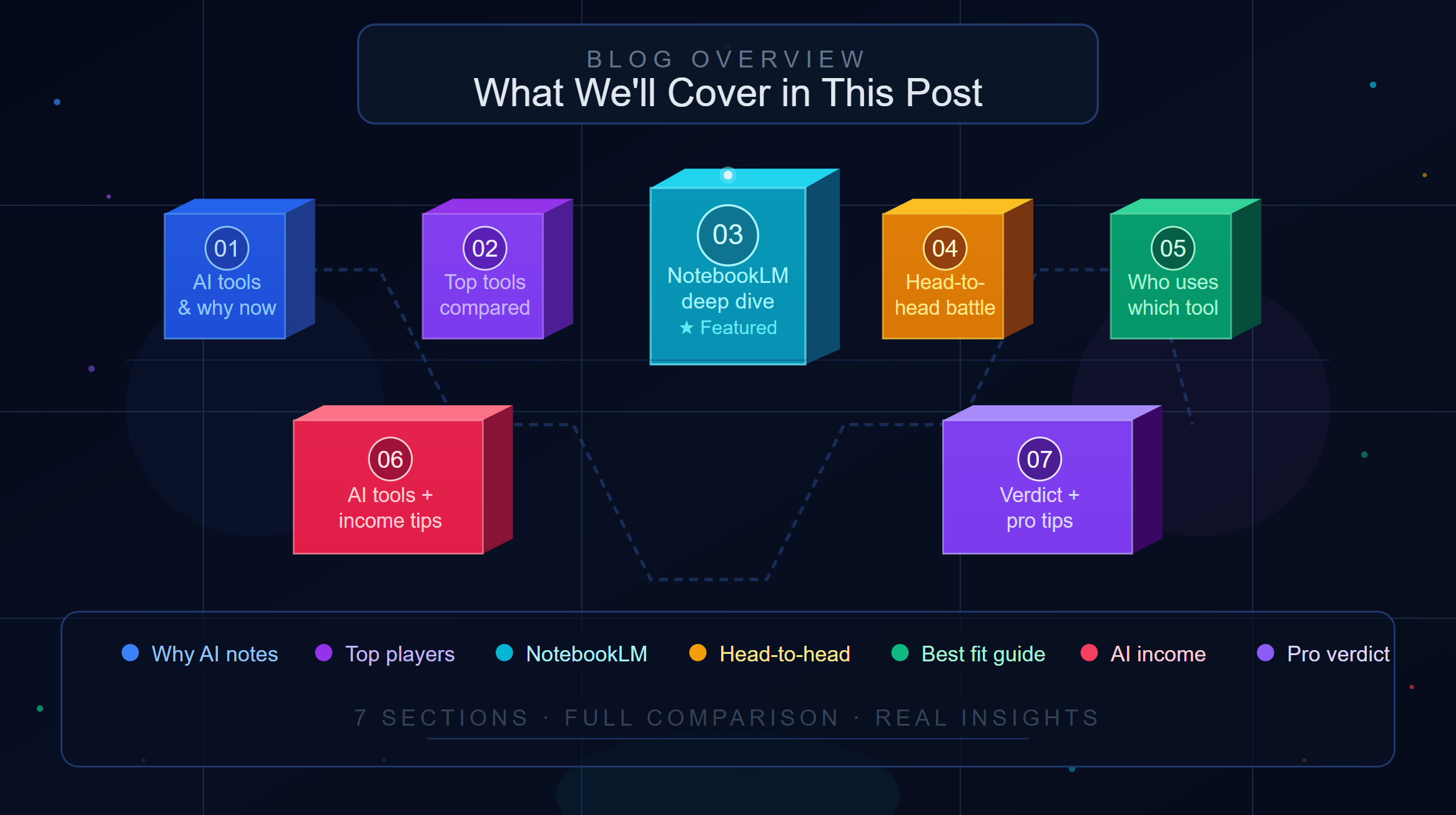
- What are AI note-taking tools — and why now?
- Quick comparison of the top players in 2026
- NotebookLM: Google’s sleeper hit that’s now waking up
- NotebookLM vs. Notion AI vs. Otter.ai vs. Mem
- Who should use which tool (and why)
- How to combine AI note-taking with income generation
- Final verdict + pro tips
The Problem With How We Take Notes (And Why AI Changes Everything)
Let’s be honest — most of us are terrible note-takers. We highlight everything in a textbook, which means we’ve highlighted nothing. We paste URLs into a Google Doc and never open them again. We record voice memos and forget they exist.
The best AI note-taking tools for research in 2026 don’t just capture your information — they help you think with it. That’s a fundamentally different value proposition.
According to a study by Microsoft Research, knowledge workers spend up to 2.5 hours per day just searching for information they already have. AI note-taking tools directly attack that number. And as AI capabilities have matured, the gap between a “smart notes app” and a “research co-pilot” has effectively disappeared.
A Quick Landscape Overview: The Top AI Note-Taking Tools in 2026
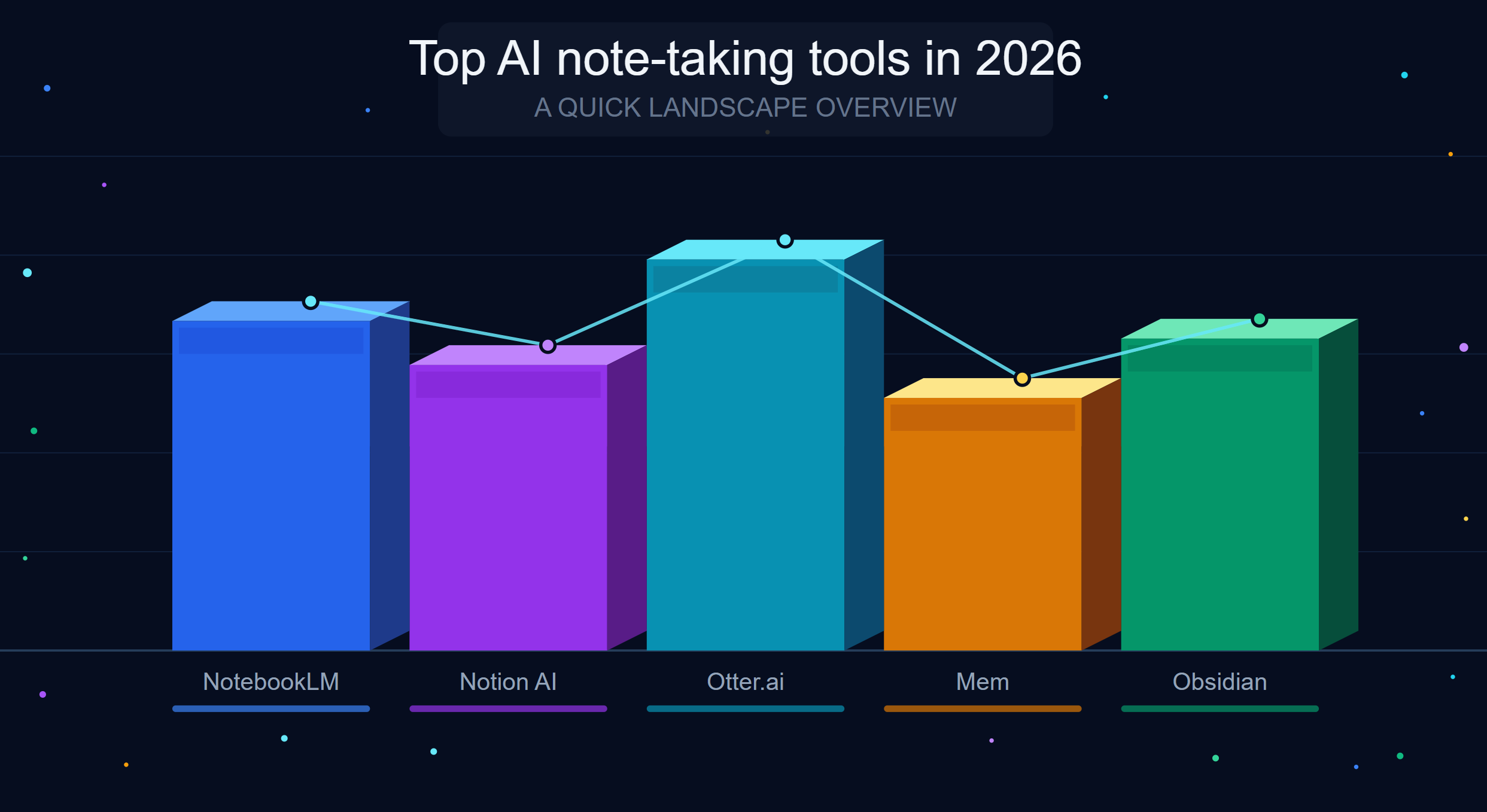
There are more AI note-taking apps than ever, but a few have emerged as clear leaders. Here’s a snapshot before we go deep:
📌 Google NotebookLM — Best free research tool. Source-grounded AI that only answers from your documents.
📌 Notion AI — Best for teams and project management. Powerful workspace with solid AI writing and search.
📌 Otter.ai — Best for meeting transcription. Real-time notes from calls, syncs with Zoom and Teams.
📌 Mem — Best for personal knowledge management. Self-organizing AI notes without folders.
📌 Obsidian + Smart Connections — Best for power users and privacy-first researchers. Offline, customizable, and open.
Each of these tools solves a different pain point. The mistake most people make is treating this like a one-size-fits-all decision. It isn’t — which is why this breakdown matters.
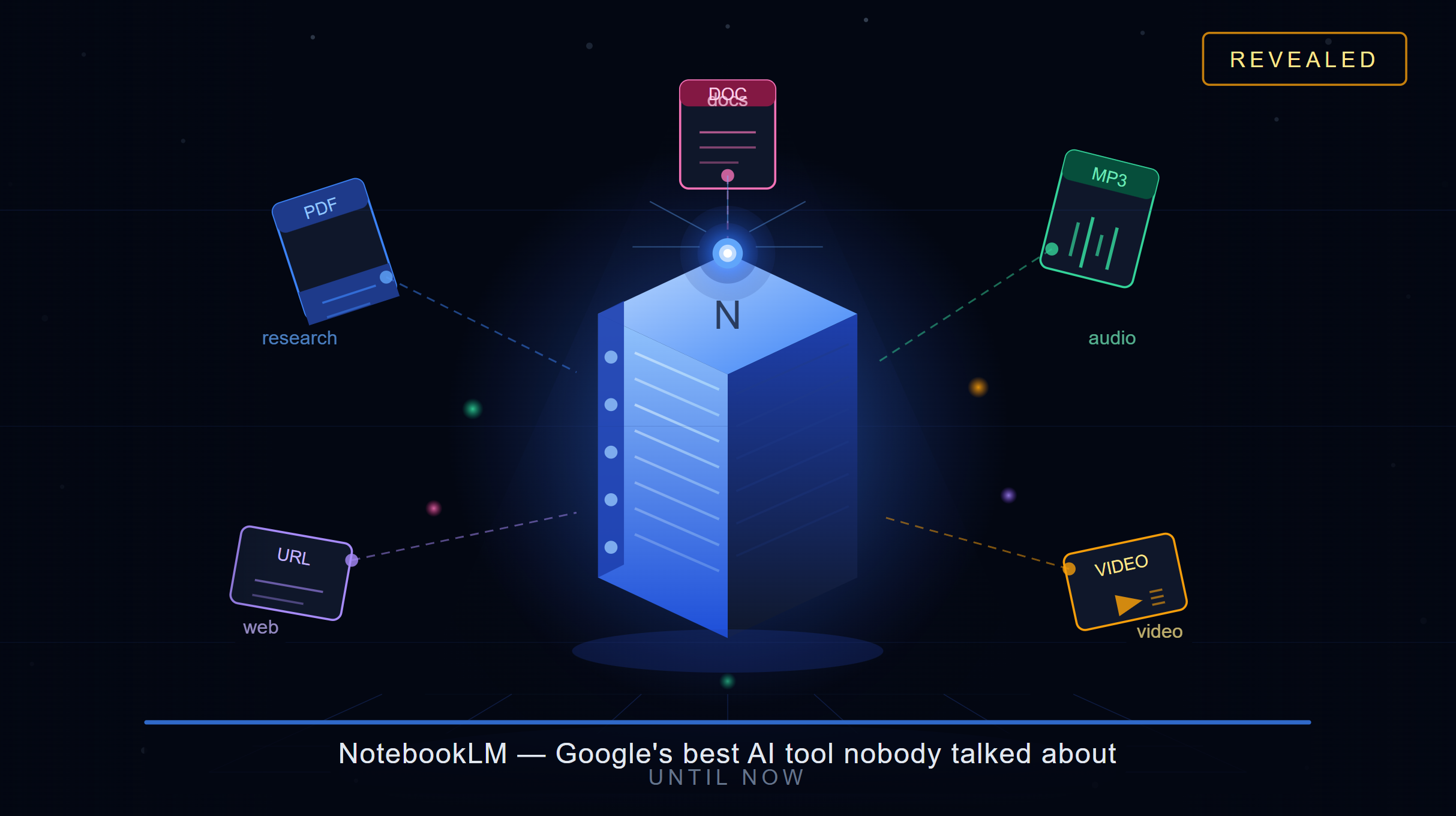
NotebookLM: Google’s Best AI Tool That Nobody Talked About (Until Now)
Let’s talk about the underdog that quietly became the most important AI research tool available for free.
NotebookLM is Google’s AI research assistant — and it operates on a principle that none of the other tools have fully committed to: it only answers from sources you upload. No hallucinations. No pulling random facts from the internet. Everything it tells you is grounded in your documents.
That’s not a small thing. When you’re doing real research — for a blog post, an academic paper, a business report, or a YouTube video — the last thing you need is an AI confidently making things up. NotebookLM eliminates that problem by design.
What NotebookLM Actually Does Well
- Source-Grounded Answers: Upload PDFs, Google Docs, YouTube transcripts, audio files, or website URLs. Ask any question — NotebookLM pulls its answers exclusively from those sources, with direct citations.
- Audio Overviews: This feature alone is genuinely remarkable. NotebookLM can turn your research into a listenable podcast-style conversation between two AI hosts. Great for absorbing long documents during commutes.
- Multi-Source Synthesis: Add up to 50 sources per notebook. Ask a question that spans all of them. It finds connections you might have missed entirely.
- Instant Study Guides & Briefings: Upload a research paper and ask for a study guide, timeline, FAQ, or table of contents. It generates them in seconds.
- Generous Free Tier: 100 notebooks, 50 sources per notebook, 50 daily queries. For a free tool, this is extraordinary.
The Google One AI Premium plan at $19.99/month unlocks 5x higher limits — and students get 50% off. For researchers or content creators who live in this tool, that’s a real bargain.
Where NotebookLM Falls Short
It’s not perfect. NotebookLM doesn’t work well as a daily notes app — there’s no quick-capture inbox, limited mobile experience, and no freeform note editor. It’s purpose-built for research and synthesis, not for capturing fleeting thoughts or managing tasks.
Think of it less like Notion and more like having a research assistant who has read every document you’ve ever given them and never forgets a word.
NotebookLM vs. The Competition: An Honest Head-to-Head
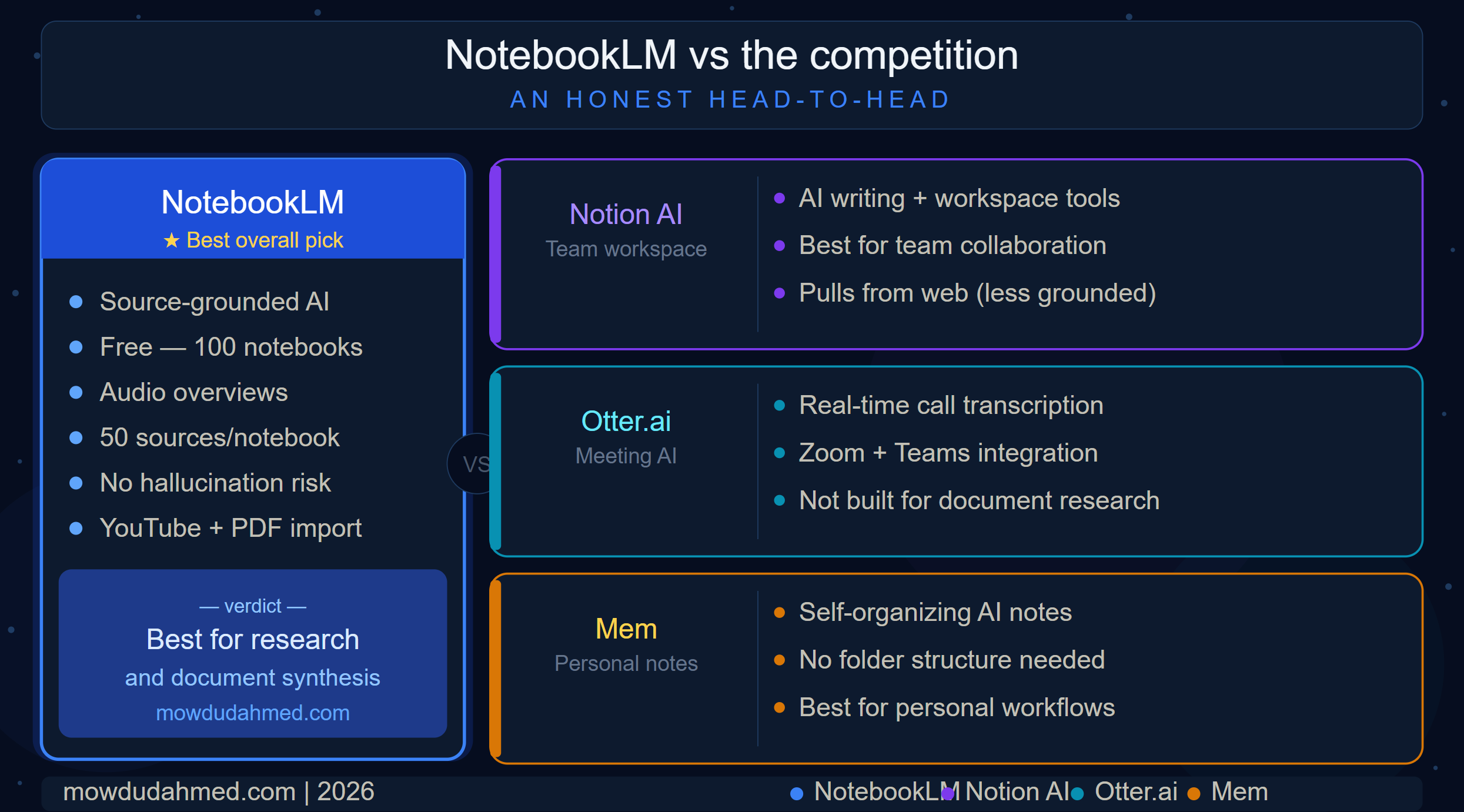
NotebookLM vs. Notion AI
Notion AI is incredibly powerful — but it’s designed as a workspace first and an AI tool second. Its AI helps you write, summarize, and search across your existing Notion pages, which is great if your organization lives inside Notion. But it can pull from the web and your own writing without clear source-tracking, which introduces hallucination risk. For teams managing projects, Notion AI wins. For focused research on specific documents, NotebookLM wins — and it’s free.
NotebookLM vs. Otter.ai
Otter.ai is a meeting transcription tool at its core. It’s genuinely excellent for turning calls and meetings into searchable notes with action items and speaker labels. But it’s not built for document research. If your need is “I want smart notes from my Zoom calls,” Otter is fantastic. If your need is “I want to synthesize 20 research papers,” Otter can’t touch NotebookLM. They’re actually solving different problems, and many professionals use both.
NotebookLM vs. Mem
Mem is one of the most interesting AI note-taking experiments around. Its pitch: dump everything in, let AI organize it, ask questions conversationally. That’s compelling. But Mem works best for personal, unstructured knowledge — your random thoughts, quick notes, shower ideas. NotebookLM works best when you have source material you need to extract meaning from. Different workflows, different strengths.
If you’re looking for a comprehensive breakdown of how AI tools are reshaping productivity and income opportunities, check out this beginner’s guide to AI income generation — it covers how people with zero tech skills are putting these tools to work.
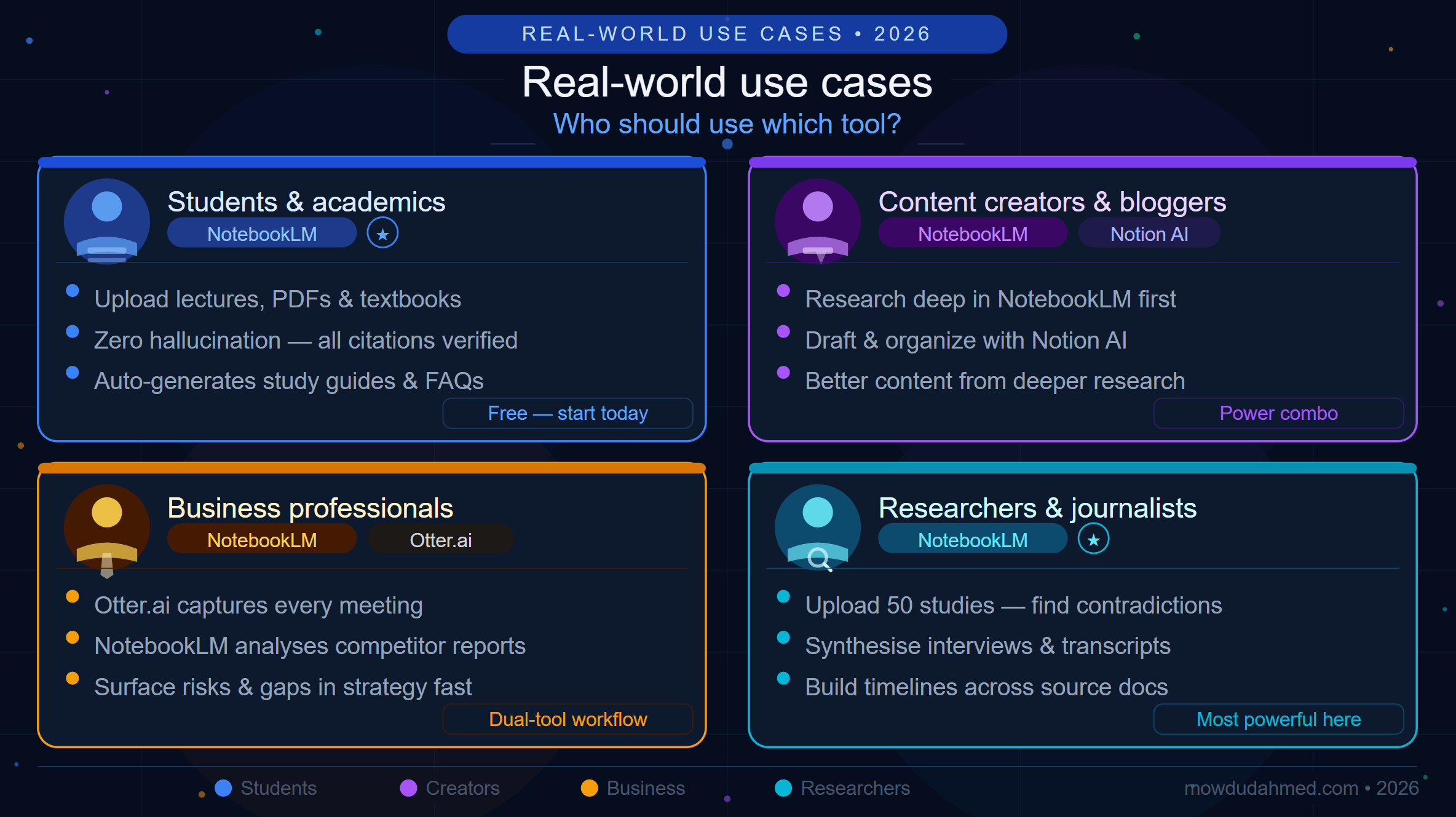
Real-World Use Cases: Who Should Use Which Tool?
For Students and Academics
NotebookLM is your best friend. Upload lecture notes, textbook PDFs, research papers, and YouTube lecture recordings. Ask it to compare arguments, create study guides, or explain a concept in simpler terms. The source-grounded approach means you won’t accidentally cite something that doesn’t exist. This alone is worth its weight in gold during exam season.
For Content Creators and Bloggers
Combine NotebookLM for research with Notion AI for drafting. Upload your reference materials into NotebookLM to extract key insights, then move to Notion AI to write and organize your content. The workflow is clean, efficient, and produces genuinely better content because your research is thorough.
Speaking of productivity hacks — if you haven’t read about unlocking ChatGPT as an ultimate productivity tool, that post pairs incredibly well with what you’re learning here. AI tools compound when you use them together.
For Business Professionals
For meeting-heavy professionals, Otter.ai handles your calls while NotebookLM handles your strategic research. Upload competitor reports, industry analyses, and internal documents. Ask NotebookLM to find patterns, risks, or gaps in your strategy. It’s like having a junior analyst who never sleeps and never misreads a chart.
For Researchers and Journalists
NotebookLM is arguably its most powerful here. Upload multiple PDFs of studies, policy documents, or interview transcripts. Ask it to find contradictions, summarize findings across sources, or create a timeline of events. The NotebookLM official documentation shows it supports audio files and website imports too — making it one of the most versatile research tools available.
The Bigger Picture: AI Note-Taking as a Career Skill
Here’s something worth sitting with: the people who figure out how to use these tools well aren’t just more productive — they’re building a real competitive advantage. Researchers who synthesize faster publish more. Content creators who research deeper get more engagement. Business analysts who surface insights quicker get promoted faster.
Learning the best AI note-taking tools for research in 2026 isn’t just about getting organized. It’s about operating at a different level than the people around you.
According to Forbes, professionals who leverage AI tools for knowledge management report up to 40% improvement in output quality and a significant reduction in time-to-decision. The tools we’ve discussed today are at the center of that shift.
Pro Tips to Get the Most Out of NotebookLM Right Now
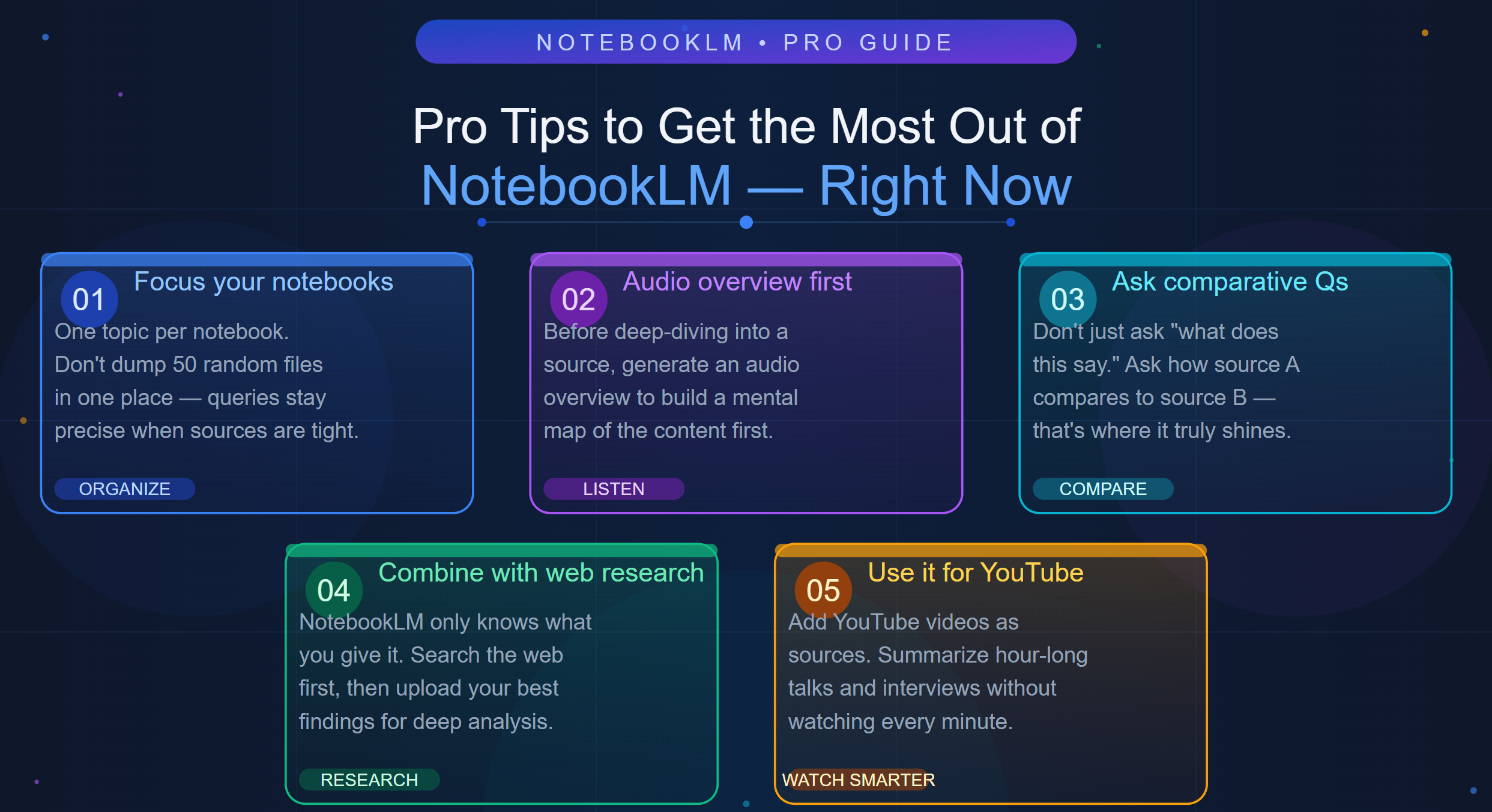
- Start with a focused notebook. Don’t dump 50 random documents in one notebook. Create separate notebooks per project or topic. Your queries will be more precise and useful.
- Use the Audio Overview before deep dives. When you add a new source, generate an audio overview first. It gives you a mental map before you start querying.
- Ask comparative questions. Don’t just ask “what does this say.” Ask “how does source A’s argument compare to source B?” That’s where NotebookLM truly shines.
- Combine with web research. NotebookLM only knows what you give it. Use a web search or Perplexity AI first, then upload the best findings into NotebookLM for deeper analysis.
- Use it for YouTube. You can add YouTube videos as sources. Perfect for summarizing hour-long talks or interviews without watching every minute.
Final Verdict: The Best AI Note-Taking Tools for Research in 2026
There is no single winner here — but there is a clear recommendation for most people:
Start with NotebookLM (free). It’s the most powerful free research tool available today. For students, researchers, and content creators especially, it punches well above its price (which is zero).
Add Notion AI if you work in a team. The collaboration and project management features are unmatched.
Use Otter.ai if your work involves frequent meetings. The transcription accuracy and CRM integrations are worth the subscription.
Consider Obsidian if privacy is non-negotiable. Local-first, offline-capable, and endlessly customizable.
The best AI note-taking tools for research in 2026 aren’t replacing your brain — they’re extending it. The researchers, creators, and professionals who master these tools now will look back on this era as the moment their productivity fundamentally changed.
🚀 Want More Content Like This?
If this post helped you, I put out content like this every week — deep dives on AI tools, productivity strategies, and practical ways to build a better digital life. Here’s how to stay connected:
📺 Subscribe to my YouTube Channel: youtube.com/@mowdudahmed — I break down AI tools with real screen demos and honest reviews.
💡 Hit the Subscribe button on my blog so you never miss a post — I cover everything from AI workflows to income generation strategies.
📲 Follow me across platforms and join a community of people who are serious about using technology to work smarter. The conversation in the comments is worth showing up for.
“The best tool is the one you actually use — and understand.”